


Page 142 - UNI 101 Computer Science Handout.
P. 142
Faculty of Nursing
                                                                  Adult care Nursing Department


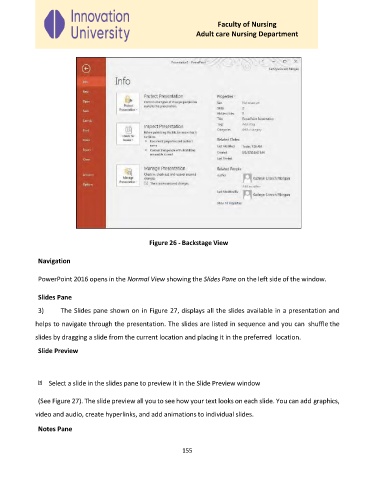
                                                  Figure 26 - Backstage View


              Navigation


              PowerPoint 2016 opens in the Normal View showing the Slides Pane on the left side of the window.


              Slides Pane
              3)     The Slides pane shown on in Figure 27, displays all the slides available in a presentation and

             helps to navigate through the presentation. The slides are listed in sequence and you can  shuffle the

             slides by dragging a slide from the current location and placing it in the preferred  location.

              Slide Preview


                  Select a slide in the slides pane to preview it in the Slide Preview window


              (See Figure 27). The slide preview all you to see how your text looks on each slide. You can add graphics,

             video and audio, create hyperlinks, and add animations to individual slides.

              Notes Pane


                                                             155

