


Page 11 - LDR CLO
P. 11
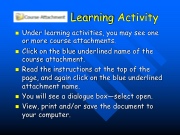
Learning Activity
Under learning activities, you may see one or more course attachments.
Click on the blue underlined name of the course attachment.
Read the instructions at the top of the page, and again click on the blue underlined attachment name.
You will see a dialogue box—select open.
View, print and/or save the document to your computer.


