


Page 36 - WP YAMIN - MTI CANDUANG
P. 36
BENGKEL INTERNET PENS-ITS

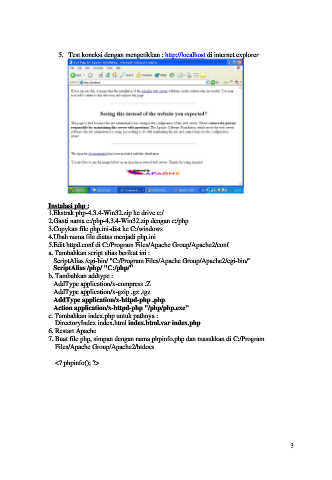
                      5.  Test koneksi dengan mengetikkan : http://localhost di internet explorer


                  Instalasi php :
                  1.Ekstrak php-4.3.4-Win32.zip ke drive c:/
                  2.Ganti nama c:/php-4.3.4-Win32.zip dengan c:/php
                  3.Copykan file php.ini-dist ke C:/windows
                  4.Ubah nama file diatas menjadi php.ini
                  5.Edit httpd.conf di C:/Program Files/Apache Group/Apache2/conf
                  a. Tambahkan script alias berikut ini :
                     ScriptAlias /cgi-bin/ "C:/Program Files/Apache Group/Apache2/cgi-bin/"
                     ScriptAlias /php/ "C:/php/"
                  b. Tambahkan addtype :
                     AddType application/x-compress .Z
                     AddType application/x-gzip .gz .tgz
                     AddType application/x-httpd-php .php
                     Action application/x-httpd-php "/php/php.exe"
                  c. Tambahkan index.php untuk pathnya :
                      DirectoryIndex index.html index.html.var index.php
                  6. Restart Apache
                  7. Buat file php, simpan dengan nama phpinfo.php dan masukkan di C:/Program
                      Files/Apache Group/Apache2/htdocs

                      <? phpinfo(); ?>


                                                                                                         3

