


Page 220 - Area III Parameter C
P. 220
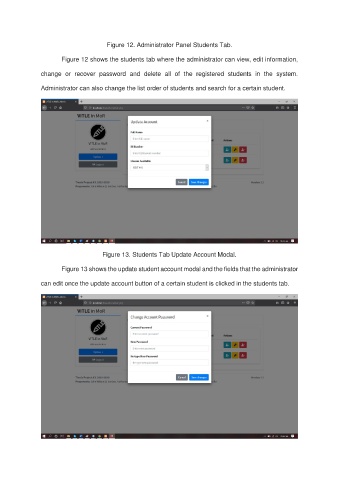
Figure 12. Administrator Panel Students Tab.

                       Figure 12 shows the students tab where the administrator can view, edit information,

               change  or  recover  password  and  delete  all  of  the  registered  students  in  the  system.

               Administrator can also change the list order of students and search for a certain student.


                                     Figure 13. Students Tab Update Account Modal.

                       Figure 13 shows the update student account modal and the fields that the administrator

               can edit once the update account button of a certain student is clicked in the students tab.

