


Page 228 - Area III Parameter C
P. 228
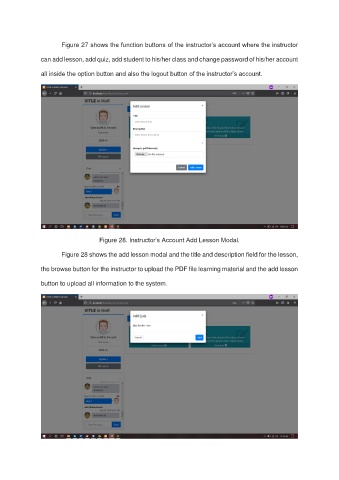
Figure 27 shows the function buttons of the instructor’s account where the instructor

               can add lesson, add quiz, add student to his/her class and change password of his/her account

               all inside the option button and also the logout button of the instructor’s account.


                                    Figure 28. Instructor’s Account Add Lesson Modal.

                       Figure 28 shows the add lesson modal and the title and description field for the lesson,

               the browse button for the instructor to upload the PDF file learning material and the add lesson

               button to upload all information to the system.

