


Page 7 - demo
P. 7
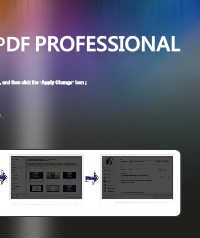
QUICK USE OF FLIP PDF PROFESSIONAL


 1.  Click the "Import PDF" import PDF into the program;


 2.  Choose templates and set unique settings for eBooks, such as Tool Bar, Bookmarks, and then click the "Apply Change" icon ;


 3.  Click " Edit Pages" button to add links, video, audio onto pages;


 4.   Click "Convert to Flipping Book" icon to output and check your book in output path.

