


Page 162 - UNI 101 Computer Science Handout.
P. 162
Faculty of Nursing
                                                                  Adult care Nursing Department


              Let's Get Started!


              There are so many new and improved features to this already feature-rich program that

             there are bound to be some exciting discoveries for even the most advanced users. If you

             are new to Access, you will find many automated features that let you painlessly  create
             databases and add queries, forms, and professional-looking reports to track and  share

             your data. We look forward to showing you around Microsoft Access 2010.


              Modifying the Display of the Ribbon


              The goal of the Microsoft Office 2010 working environment is to make working with

             Office  files—including  Microsoft  Word  documents,  Excel  workbooks,  PowerPoint
             presentations,  Outlook  e-mail  messages,  and  Access  databases—as  intuitive  as

             possible. You work with  an Office  file  and  its  contents  by  giving  commands  to  the

             program in which the docu- ment is open. All Office 2010 programs organize commands

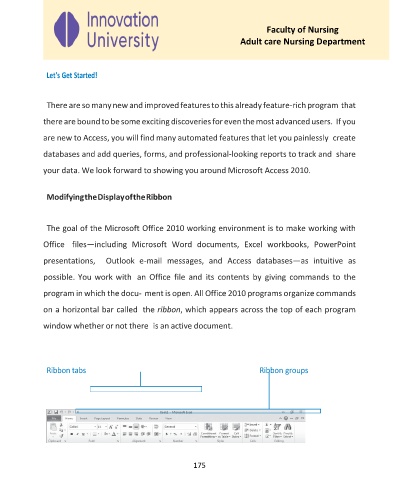
             on a horizontal bar called  the ribbon, which appears across the top of each program
             window whether or not there  is an active document.


              Ribbon tabs                                              Ribbon groups


                                                     175

