


Page 168 - UNI 101 Computer Science Handout.
P. 168
Faculty of Nursing
                                                                  Adult care Nursing Department


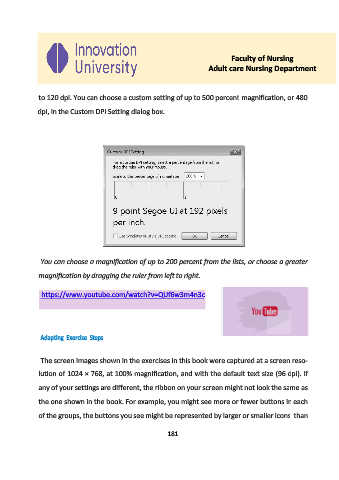
             to 120 dpi. You can choose a custom setting of up to 500 percent  magnification, or 480

             dpi, in the Custom DPI Setting dialog box.


              You can choose a magnification of up to 200 percent from the lists, or choose a greater

             magnification by dragging the ruler from left to right.


              https://www.youtube.com/watch?v=QUf6w3m4n3c


              Adapting  Exercise  Steps


              The screen images shown in the exercises in this book were captured at a screen reso-

             lution of 1024 × 768, at 100% magnification, and with the default text size (96 dpi). If

             any of your settings are different, the ribbon on your screen might not look the same as

             the one shown in the book. For example, you might see more or fewer buttons in each
             of the groups, the buttons you see might be represented by larger or smaller icons  than


                                                     181

