


Page 1 - Overview - How do I Change the Department for an Award
P. 1
Change the Department for an Award
How do I Change the Department for an Award?
Overview
Several changes are required on an Award if the department is changed. The steps below detail what should occur when
there is a departmental change on an Award.
Process Flow
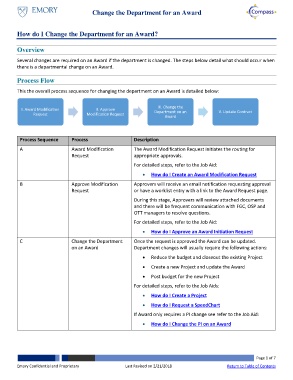
This the overall process sequence for changing the department on an Award is detailed below:
III. Change the
I. Award Modification II. Approve Department on an V. Update Contract
Request Modification Request
Award
Process Sequence Process Description
A Award Modification The Award Modification Request initiates the routing for
Request appropriate approvals.
For detailed steps, refer to the Job Aid:
How do I Create an Award Modification Request
B Approve Modification Approvers will receive an email notification requesting approval
Request or have a worklist entry with a link to the Award Request page.
During this stage, Approvers will review attached documents
and there will be frequent communication with FGC, OSP and
OTT managers to resolve questions.
For detailed steps, refer to the Job Aid:
How do I Approve an Award Initiation Request
C Change the Department Once the request is approved the Award can be updated.
on an Award Department changes will usually require the following actions:
Reduce the budget and closeout the existing Project
Create a new Project and update the Award
Post budget for the new Project
For detailed steps, refer to the Job Aids:
How do I Create a Project
How do I Request a SpeedChart
If Award only requires a PI change see refer to the Job Aid:
How do I Change the PI on an Award
Page 1 of 7
Emory Confidential and Proprietary Last Revised on 2/21/2018 Return to Table of Contents

