


Page 163 - Hands-On Bug Hunting for Penetration Testers
P. 163
Framework and Application-Specific Vulnerabilities                          Chapter 9

            WordPress ` Using WPScan


            According to WordPress, their framework powers 31% of all sites. The open-source CMS-
            for-everything is a titan, providing the basic engine for hobbyist and commercial sites alike,
            from everything to your uncle's blog to the White House landing page. As such, it's an
            incredibly large target for pentesters and hackers everywhere. WordPress, with its myriad
            of plugins and configuration options, provides a large attack surface that, often managed
            by administrators with little technical experience, can be tricky to secure. Every shoddily-
            coded plugins, monkey-patched pieces of WP core, or ancient installations can be the
            foothold necessary for an attacker to deface or compromise a WP site.
            WPScan functionality comes packaged in a few different tools. For our purposes, the most
            important are the containerized Docker command-line interface and the Burp extension.


            WPScan as a Dockerized CLI


            The advantage of using WPScan as a Dockerized CLI is that we can still take full advantage
            of the CLIballowing us to embed the script in a larger automation setupbwhile not having
            to worry about dependency management issues like keeping our Ruby version up-to-date.
            We can even write a simple wrapper around the EPDLFS SVO command so that we don't
            need to enter so much boilerplate every time we use the script.

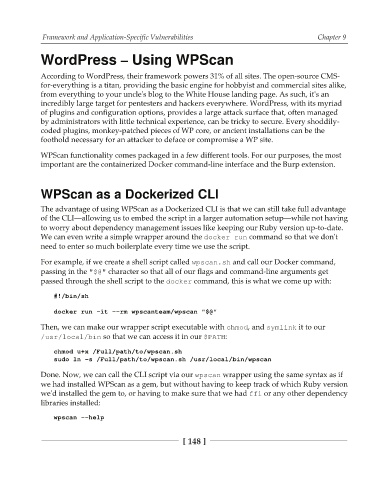
            For example, if we create a shell script called XQTDBO TI and call our Docker command,
            passing in the   !  character so that all of our flags and command-line arguments get
            passed through the shell script to the EPDLFS command, this is what we come up with:

                #!/bin/sh

                docker run -it --rm wpscanteam/wpscan "$@"
            Then, we can make our wrapper script executable with DINPE, and TZNMJOL it to our
             VTS MPDBM CJO so that we can access it in our  1"5):
                chmod u+x /Full/path/to/wpscan.sh
                sudo ln -s /Full/path/to/wpscan.sh /usr/local/bin/wpscan
            Done. Now, we can call the CLI script via our XQTDBO wrapper using the same syntax as if
            we had installed WPScan as a gem, but without having to keep track of which Ruby version
            we'd installed the gem to, or having to make sure that we had GGJ or any other dependency
            libraries installed:

                wpscan --help


                                                    [ 148 ]

