


Page 13 - 2017 MegaPath Benefits Guide_FINALV2
P. 13
ONLINE BENEFITS ENROLLMENT


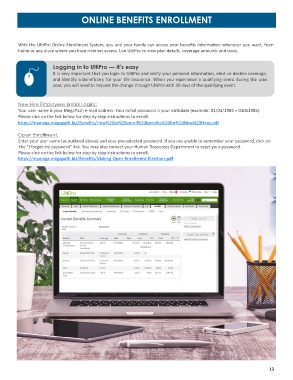
         With the UltiPro Online Enrollment System, you and your family can access your benefits information whenever you want, from
         home or any place where you have internet access. Use UltiPro to view plan details, coverage amounts and costs.

                       Logging in to UltiPro — It’s easy

                       It is very important that you login to UltiPro and verify your personal information, elect or decline coverage,
                       and identify a beneficiary for your life insurance. When you experience a qualifying event during the plan
                       year, you will need to request the change through UltiPro with 30 days of the qualifying event.


         New Hire Employees (Initial Login):
         Your user name is your MegaPath e-mail address. Your initial password is your birthdate (example: 01/01/1985 = 01011985).
         Please click on the link below for step by step instructions to enroll.
         https://mymega.megapath.biz/Benefits/How%20to%20enroll%20benefits%20for%20New%20Hires.pdf

         Open Enrollment:
         Enter your user name (as outlined above) and your pre-selected password. If you are unable to remember your password, click on
          the “I forgot my password” link. You may also contact your Human Resources Department to reset your password.
         Please click on the link below for step by step instructions to enroll.
         https://mymega.megapath.biz/Benefits/Making-Open-Enrollment-Elections.pdf


                                                            www.benetrac.co


                                                                                                                  13

