


Page 123 - UNI 101 Computer Science Handout.
P. 123
Faculty of Nursing
                                                                  Adult care Nursing Department


              To Centre the Title Across Columns:


              1)     Highlight cell(s)

              2)     Click the Merge and Centre button  on the Alignment group


              NOTE: Each cell must be done individually. Excel will delete the contents of all but the top most cell if

             multiple cells are selected.
              This option basically takes all the cells in the highlighted range and merges them into one large cell. For

             example, the range A1:F1 became cell A1 after the Merge Cells button was selected. There is no cell B1,

             C1, etc. any longer.


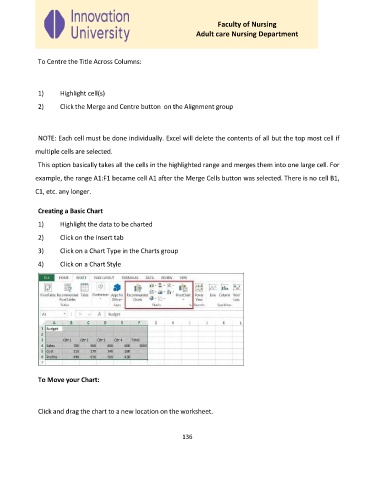
              Creating a Basic Chart
              1)     Highlight the data to be charted

              2)     Click on the Insert tab

              3)     Click on a Chart Type in the Charts group

              4)     Click on a Chart Style


              To Move your Chart:


              Click and drag the chart to a new location on the worksheet.


                                                             136

