


Page 190 - Divyank Tyagi
P. 190
156   |  ChaPTer  4  Configuring TemplaTes and sTandards


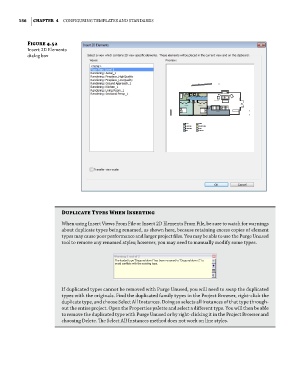
                 Figure 4.52
                 insert 2d elements
                 dialog box


                             Duplicate Types When Inserting
                             When using insert Views from file or insert 2d elements from file, be sure to watch for warnings
                             about duplicate types being renamed, as shown here, because retaining excess copies of element
                             types may cause poor performance and larger project files. you may be able to use the purge unused
                             tool to remove any renamed styles; however, you may need to manually modify some types.


                             if duplicated types cannot be removed with purge unused, you will need to swap the duplicated
                             types with the originals. find the duplicated family types in the project Browser, right-click the
                             duplicate type, and choose select all instances. doing so selects all instances of that type through-
                             out the entire project. open the properties palette and select a different type. you will then be able
                             to remove the duplicated type with purge unused or by right-clicking it in the project Browser and
                             choosing delete. The select all instances method does not work on line styles.


          c04.indd   156                                                                             5/3/2014   10:37:07 AM

