


Page 131 - UNI 101 Computer Science Handout.
P. 131
Faculty of Nursing
                                                                  Adult care Nursing Department


              10)    Slides Tab - Use this to navigate through your slides within your presentation.


              11)    Slide - This is where you type, edit, insert content into your selected slide.

              12)    Status Bar - View which slide you are currently on, how many slides there are, speaker notes or

             comments in your presentation, change your views, or change your zoom level.

              The Ribbon


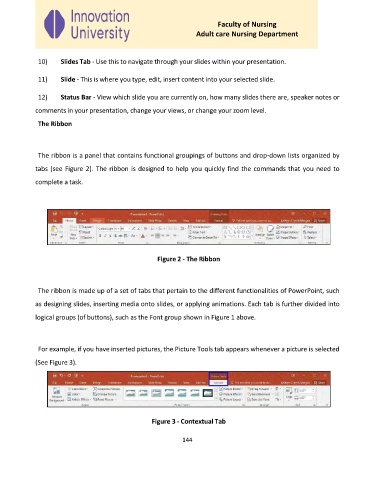
              The ribbon is a panel that contains functional groupings of buttons and drop-down lists organized by

             tabs (see Figure 2). The ribbon is designed to help you quickly find the commands that you need to

             complete a task.


                                                     Figure 2 - The Ribbon


              The ribbon is made up of a set of tabs that pertain to the different functionalities of PowerPoint, such

             as designing slides, inserting media onto slides, or applying animations. Each tab is further divided into

             logical groups (of buttons), such as the Font group shown in Figure 1 above.


              For example, if you have inserted pictures, the Picture Tools tab appears whenever a picture is selected

             (See Figure 3).


                                                   Figure 3 - Contextual Tab


                                                             144

