


Page 135 - UNI 101 Computer Science Handout.
P. 135
Faculty of Nursing
                                                                  Adult care Nursing Department


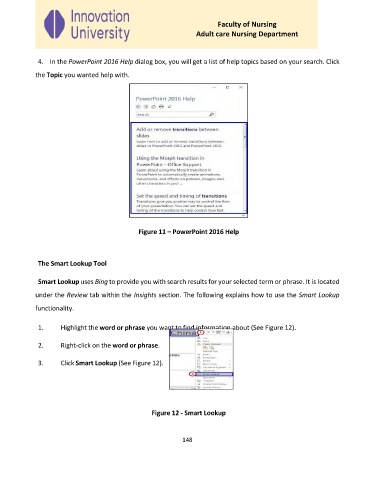
              4.  In the PowerPoint 2016 Help dialog box, you will get a list of help topics based on your search. Click

             the Topic you wanted help with.


                                               Figure 11 – PowerPoint 2016 Help


              The Smart Lookup Tool

              Smart Lookup uses Bing to provide you with search results for your selected term or phrase. It is located

             under the Review tab within the Insights section. The following explains how to use the Smart Lookup

             functionality.


              1.     Highlight the word or phrase you want to find information about (See Figure 12).

              2.     Right‐click on the word or phrase.


              3.     Click Smart Lookup (See Figure 12).


                                                   Figure 12 - Smart Lookup


                                                             148

