


Page 60 - Computer Basics - Research
P. 60
Morphing from one slide to another

           This feature is new as of PowerPoint 2016 and is a way to transition between one slide and another to
           create smooth movement from the images on the slide.  You first create a slide with all the items you
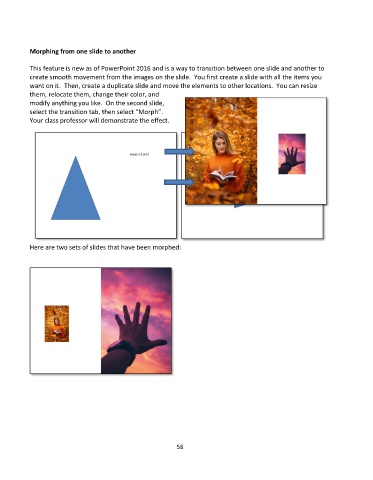
           want on it.  Then, create a duplicate slide and move the elements to other locations.  You can resize
           them, relocate them, change their color, and
           modify anything you like.  On the second slide,
           select the transition tab, then select “Morph”.
           Your class professor will demonstrate the effect.


           Here are two sets of slides that have been morphed:


                                                             58

