


Page 54 - English for Librarians
P. 54
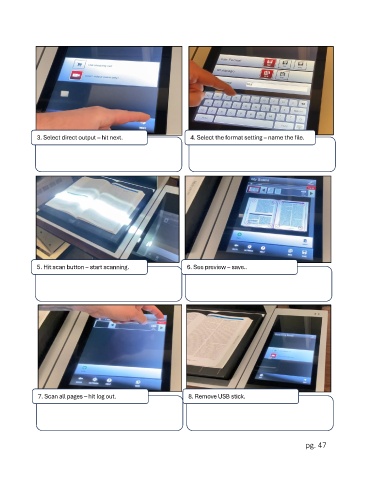
3. Select direct output – hit next.                4. Select the format setting – name the file.


             5. Hit scan button – start scanning.              6. See preview – save..


              7. Scan all pages – hit log out.                 8. Remove USB stick.


                                                                                                      pg. 47

