


Page 107 - 3E User Manual- updated 3-2018
P. 107
Matter Notes


        Overview

            •  From the Matter Notes screen, a user can view and enter Activity and Collection Notes on a matter.

        To View Matter Notes

            •  Select Matter Notes under Activities on the Dashboard.
            •  On the top right of the screen is an orange box. Enter a matter number
            •  Select Advanced Find.


                   o  In Advanced Find, to search by Matter Description, first change the operand to "Contains".
                   o  If the matter description is "UPS / Roosevelt Accident Analysis", type in "UPS" (which will result in
                       numerous matters) or "Roosevelt" (which will narrow the search).
                   o  Press Enter once the criteria have been entered.


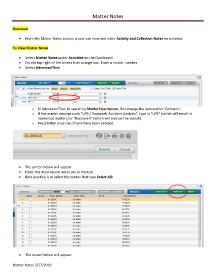
            •  The screen below will appear.
            •  Note: the most recent notes are to the top.
            •  Best practice is to select the button that says Select All:


            •  The screen below will appear:

        Matter Notes 3/27/2018

