


Page 112 - 3E User Manual- updated 3-2018
P. 112
Quick Tips for Paperless Proformas


            •  Use the box to the left of the details to select the rows to include (or Select All).
            •  Select OK.

        Save Changes Until They Can Review Further
            •  After changes are made, select Recalc.
            •  Select Cancel.
            •  When the proforma is reopened, the changes previously made will still be there.

        Errors
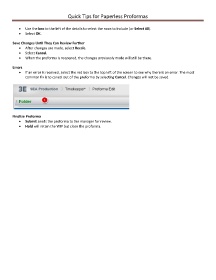
            •  If an error is received, select the red box to the top left of the screen to see why there is an error. The most
               common fix is to cancel out of the proforma by selecting Cancel. Changes will not be saved.


        Finalize Proforma
            •  Submit sends the proforma to the manager for review.
            •  Hold will retain the WIP but close the proforma.

