


Page 108 - 3E User Manual- updated 3-2018
P. 108
Matter Notes


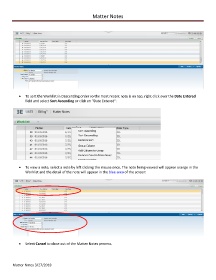
            •  To sort the Worklist in Descending order so the most recent note is on top, right click over the Date Entered
               field and select Sort Ascending or click on “Date Entered”:


            •  To view a note, select a note by left clicking the mouse once. The note being viewed will appear orange in the
               Worklist and the detail of the note will appear in the blue area of the screen:


            •  Select Cancel to close out of the Matter Notes process.


        Matter Notes 3/27/2018

