


Page 110 - 3E User Manual- updated 3-2018
P. 110
Matter Notes


                   o  If the matter description is "UPS / Woodward Accident Analysis", type in "UPS" (which will result in
                       numerous matters) or "Woodward" (which will narrow the search).
                   o  Press Enter once the criteria have been entered:


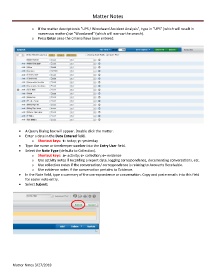
            •  A Query Dialog box will appear. Double click the matter.
            •  Enter a date in the Date Entered field.
                   o  Shortcut keys:  t= today; y= yesterday
            •  Type the name or timekeeper number into the Entry User field.
            •  Select the Note Type (defaults to Collection).
                   o  Shortcut keys:  a= activity; c= collection; e= evidence
                   o  Use activity notes if recording a report date, logging correspondence, documenting conversations, etc.
                   o  Use collection notes if the conversation/ correspondence is relating to Accounts Receivable.
                   o  Use evidence notes if the conversation pertains to Evidence.
            •  In the Note field, type a summary of the correspondence or conversation. Copy and paste emails into this field
               for easier note entry.
            •  Select Submit:


        Matter Notes 3/27/2018

