


Page 53 - Computer Graphics Handout
P. 53
2.4.5 Text
          Graphical  output  in  applications  such  as  data  analysis  and  display  requires  annotation,  such  as  labels  on  graphs.  Although  in
          nongraphical programs textual output is the norm, text in computer graphics is problematic. In nongraphical applications, we are
          usually content with a simple set of characters, always displayed in the same manner. In computer graphics, however, we often wish
          to display text in a multitude of fashions by controlling type styles, sizes, colors, and other parameters. We also want to have
          available a choice of fonts. Fonts are families of typefaces of a particular style, such as Times, Computer Modern, or Helvetica.
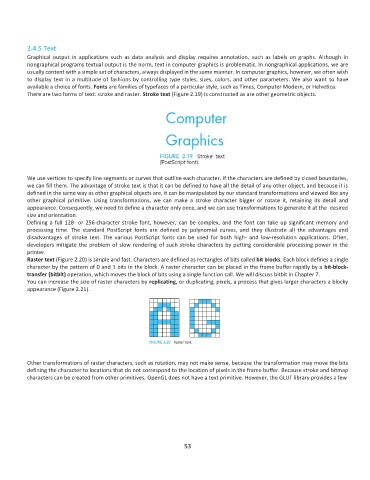
          There are two forms of text: stroke and raster. Stroke text (Figure 2.19) is constructed as are other geometric objects.


          We use vertices to specify line segments or curves that outline each character. If the characters are defined by closed boundaries,
          we can fill them. The advantage of stroke text is that it can be defined to have all the detail of any other object, and because it is
          defined in the same way as other graphical objects are, it can be manipulated by our standard transformations and viewed like any
          other  graphical  primitive.  Using  transformations,  we  can  make  a  stroke  character  bigger  or  rotate  it,  retaining  its  detail  and
          appearance. Consequently, we need to define a character only once, and we can use transformations to generate it at the  desired
          size and orientation.
          Defining a full 128- or 256-character stroke font, however, can be complex, and the font can take up significant memory and
          processing  time.  The  standard  PostScript  fonts  are  defined  by  polynomial  curves,  and  they  illustrate  all  the  advantages  and
          disadvantages  of  stroke  text.  The  various  PostScript  fonts  can  be  used  for  both  high-  and  low-resolution  applications.  Often,
          developers mitigate the problem of slow rendering of such stroke characters by putting considerable processing power in the
          printer.
          Raster text (Figure 2.20) is simple and fast. Characters are defined as rectangles of bits called bit blocks. Each block defines a single
          character by the pattern of 0 and 1 bits in the block. A raster character can be placed in the frame buffer rapidly by a bit-block-
          transfer (bitblt) operation, which moves the block of bits using a single function call. We will discuss bitblt in Chapter 7.
          You can increase the size of raster characters by replicating, or duplicating, pixels, a process that gives larger characters a blocky
          appearance (Figure 2.21).


          Other transformations of raster characters, such as rotation, may not make sense, because the transformation may move the bits
          defining the character to locations that do not correspond to the location of pixels in the frame buffer. Because stroke and bitmap
          characters can be created from other primitives, OpenGL does not have a text primitive. However, the GLUT library provides a few


                                                              53

