


Page 54 - Computer Basics - Research
P. 54
4. Use More Images and Less Text.


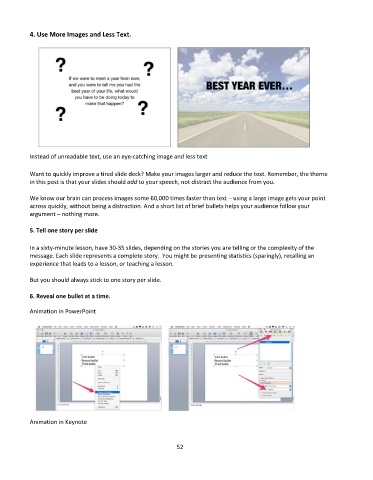
           Instead of unreadable text, use an eye-catching image and less text


           Want to quickly improve a tired slide deck? Make your images larger and reduce the text. Remember, the theme
           in this post is that your slides should add to your speech, not distract the audience from you.


           We know our brain can process images some 60,000 times faster than text – using a large image gets your point
           across quickly, without being a distraction. And a short list of brief bullets helps your audience follow your
           argument – nothing more.


           5. Tell one story per slide

           In a sixty-minute lesson, have 30-35 slides, depending on the stories you are telling or the complexity of the
           message. Each slide represents a complete story.  You might be presenting statistics (sparingly), recalling an
           experience that leads to a lesson, or teaching a lesson.

           But you should always stick to one story per slide.


           6. Reveal one bullet at a time.

           Animation in PowerPoint


           Animation in Keynote


                                                             52

