


Page 52 - Computer Basics - Research
P. 52
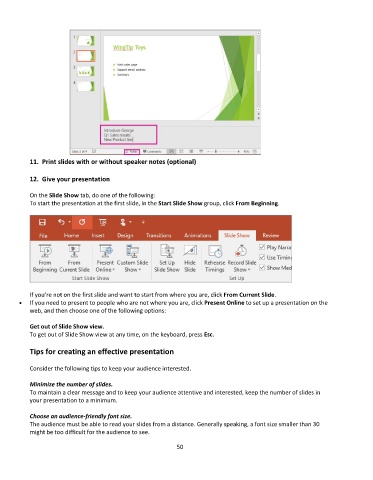
11.  Print slides with or without speaker notes (optional)

           12.  Give your presentation

           On the Slide Show tab, do one of the following:
           To start the presentation at the first slide, in the Start Slide Show group, click From Beginning.


           If you’re not on the first slide and want to start from where you are, click From Current Slide.
       •  If you need to present to people who are not where you are, click Present Online to set up a presentation on the
           web, and then choose one of the following options:

           Get out of Slide Show view.
           To get out of Slide Show view at any time, on the keyboard, press Esc.

           Tips for creating an effective presentation

           Consider the following tips to keep your audience interested.

           Minimize the number of slides.
           To maintain a clear message and to keep your audience attentive and interested, keep the number of slides in
           your presentation to a minimum.

           Choose an audience-friendly font size.
           The audience must be able to read your slides from a distance. Generally speaking, a font size smaller than 30
           might be too difficult for the audience to see.

                                                             50

