


Page 49 - Computer Basics - Research
P. 49
3.  Save your presentation

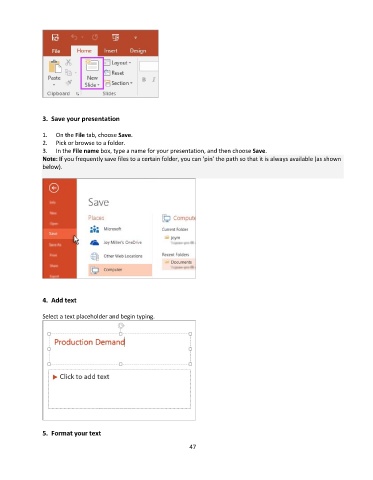
               1.   On the File tab, choose Save.
               2.   Pick or browse to a folder.
               3.   In the File name box, type a name for your presentation, and then choose Save.
               Note: If you frequently save files to a certain folder, you can ‘pin’ the path so that it is always available (as shown
               below).


               4.  Add text

               Select a text placeholder and begin typing.


               5.  Format your text

                                                                 47

