


Page 127 - JoFA_2022
P. 127
TECHNOLOGY Q&A


         VIDEOCONFERENCING TOOL

         7 tips for using Zoom better

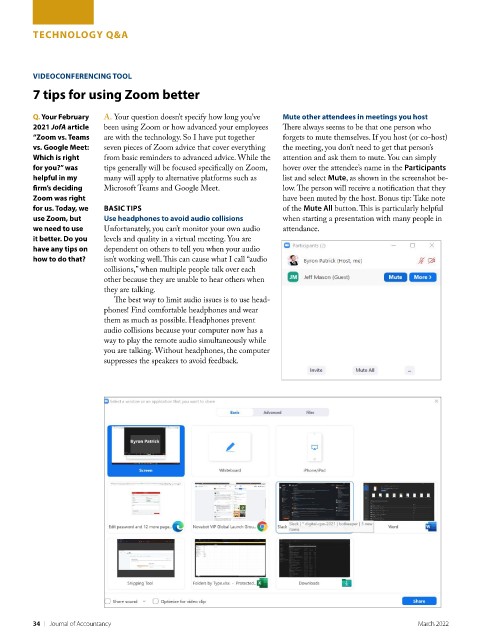
         Q. Your February   A. Your question doesn’t specify how long you’ve   Mute other attendees in meetings you host
         2021 JofA article   been using Zoom or how advanced your employees   There always seems to be that one person who
         “Zoom vs. Teams   are with the technology. So I have put together   forgets to mute themselves. If you host (or co-host)
         vs. Google Meet:   seven pieces of Zoom advice that cover everything   the meeting, you don’t need to get that person’s
         Which is right   from basic reminders to advanced advice. While the   attention and ask them to mute. You can simply
         for you?” was    tips generally will be focused specifically on Zoom,   hover over the attendee’s name in the Participants
         helpful in my    many will apply to alternative platforms such as   list and select Mute, as shown in the screenshot be-
         firm’s deciding   Microsoft Teams and Google Meet.         low. The person will receive a notification that they
         Zoom was right                                             have been muted by the host. Bonus tip: Take note
         for us. Today, we   BASIC TIPS                             of the Mute All button. This is particularly helpful
         use Zoom, but    Use headphones to avoid audio collisions  when starting a presentation with many people in
         we need to use   Unfortunately, you can’t monitor your own audio   attendance.
         it better. Do you   levels and quality in a virtual meeting. You are
         have any tips on   dependent on others to tell you when your audio
         how to do that?  isn’t working well. This can cause what I call “audio
                          collisions,” when multiple people talk over each
                          other because they are unable to hear others when
                          they are talking.
                            The best way to limit audio issues is to use head-
                          phones! Find comfortable headphones and wear
                          them as much as possible. Headphones prevent
                          audio collisions because your computer now has a
                          way to play the remote audio simultaneously while
                          you are talking. Without headphones, the computer
                          suppresses the speakers to avoid feedback.


         34    |   Journal of Accountancy                                                           March 2022

