


Page 119 - 3E User Manual- updated 3-2018
P. 119
Paperless Proforma Process


            •  Email Accounting and Manager to advise an expense report has been submitted that needs approval and added
               to a proforma. Include the matter number in the e-mail.
            •  Once the expense report is approved, open the proforma from the Dashboard and include the expense using the
               process below.

        Include Excluded Fees/ Costs to Update for a Final Invoice

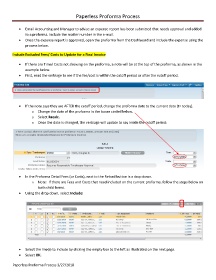
            •  If there are Time/ Costs not showing on the proforma, a note will be at the top of the proforma, as shown in the
               example below.
            •  First, read the verbiage to see if the fee/cost is within the cutoff period or after the cutoff period.


            •  If the note says they are AFTER the cutoff period, change the proforma date to the current date (t= today).
                   o  Change the date of the proforma in the boxes circled below.
                   o  Select Recalc.
                   o  Once the date is changed, the verbiage will update to say inside the cutoff period:


            •  In the Proforma Detail Fees (or Costs), next to the Reload button is a drop down.
                   o  Note:  If there are Fees and Costs that need included on the current proforma, follow the steps below on
                       both child forms.
            •  Using the drop down, select Include:


            •  Select the line(s) to include by clicking the empty box to the left as illustrated on the next page.
            •  Select OK.

        Paperless Proforma Process 3/27/2018

