


Page 14 - Computer Basics - Research
P. 14
Microsoft Windows has undergone many changes over the past few decades. New versions of the operating
           system are released every couple of years. The most current release is a version called “Windows 11 25h2”,
           Microsoft's past versions include Windows 10.” “Windows 95,” “Windows 98,” “Windows ME,” “Windows XP,”
           “Windows Vista,” and “Windows 7 & 8.” Many people continue to use older versions of Windows, even though
           newer versions have been released. It is important to know that there are different versions of Windows,
           because different features (such as the Start Menu discussed above) may look different in different versions.


           Managing “Windows”
           Microsoft Windows is called “Windows” for a reason. Programs appear on your screen as “Windows”
           (rectangular shapes) and are laid 3-dimensionally on top of one another (see image at right), just like on a real
           desktop. The desktop is your work surface, and all of your open windows appear on top of it.

           If you can see a window, that means the program is open and running. It is possible to make the window bigger,
           smaller, or close it using the buttons in the top right corner of any window.


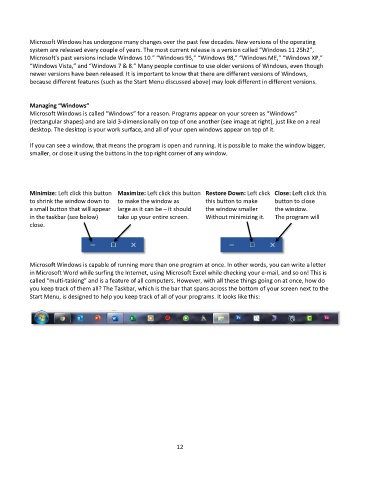
           Minimize: Left click this button  Maximize: Left click this button  Restore Down: Left click   Close: Left click this
           to shrink the window down to   to make the window as       this button to make     button to close
           a small button that will appear  large as it can be – it should   the window smaller    the window.
           in the taskbar (see below)    take up your entire screen.   Without minimizing it.   The program will
           close.


           Microsoft Windows is capable of running more than one program at once. In other words, you can write a letter
           in Microsoft Word while surfing the Internet, using Microsoft Excel while checking your e-mail, and so on! This is
           called “multi-tasking” and is a feature of all computers. However, with all these things going on at once, how do
           you keep track of them all? The Taskbar, which is the bar that spans across the bottom of your screen next to the
           Start Menu, is designed to help you keep track of all of your programs. It looks like this:


                                                             12

