


Page 41 - Computer Basics - Research
P. 41
Enter a Formula
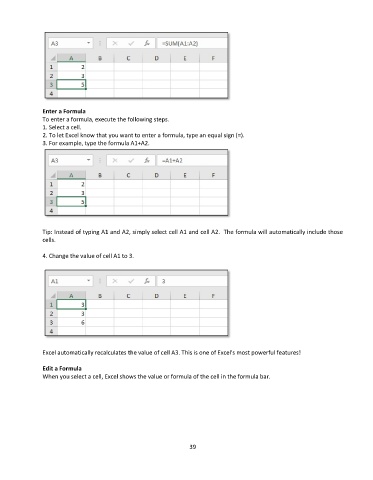
               To enter a formula, execute the following steps.
               1. Select a cell.
               2. To let Excel know that you want to enter a formula, type an equal sign (=).
               3. For example, type the formula A1+A2.


               Tip: Instead of typing A1 and A2, simply select cell A1 and cell A2.  The formula will automatically include those
               cells.

               4. Change the value of cell A1 to 3.


               Excel automatically recalculates the value of cell A3. This is one of Excel's most powerful features!

               Edit a Formula
               When you select a cell, Excel shows the value or formula of the cell in the formula bar.


                                                                 39

